

























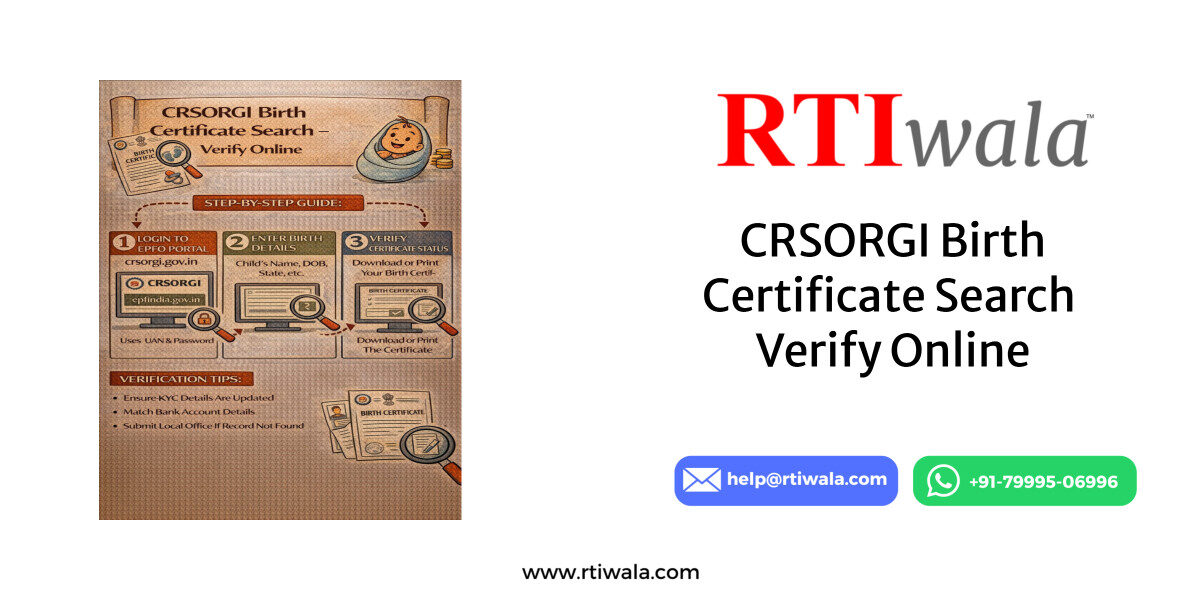
What Is CRSORGI Birth Certificate Search & Who Can Use It
The CRSORGI Birth Certificate Search is an official online facility provided by the Office of the Registrar General & Census Commissioner, India under the Civil Registration System (CRS).
It allows citizens to publicly search birth registration records that have been digitally uploaded by state and local registration authorities across India.
This portal is primarily designed for verification and search purposes, not manual corrections or fresh registrations.
It helps users confirm whether a birth record exists in government databases.
What Exactly Can You Do Using CRSORGI Birth Search?
Using the CRSORGI public search, users can:
- Check if a birth is officially registered
- Verify basic birth details like name, date, and place
- Confirm registration status before applying elsewhere
- Cross-check details for school, passport, Aadhaar, or visa use
The portal is especially useful when the physical birth certificate is missing or delayed.
Who Can Use the CRSORGI Birth Certificate Search?
The CRSORGI search facility is open to the public and does not require login.
It can be used by:
- Parents searching birth records of children
- Adults verifying their own birth details
- Students needing proof for education records
- Job applicants requiring official verification
- Passport or visa applicants checking discrepancies
Anyone who knows the basic birth details can use this portal.
Important Limitations You Should Know
CRSORGI is not a correction or download portal.
It does not allow users to:
- Edit incorrect birth details
- Register a new birth
- Upload documents
- Directly issue a downloadable certificate
It only confirms whether a record exists in the central CRS database.
Birth certificate not found or details incorrect? RTIwala uses RTI to trace official records and resolve verification issues fast—contact now.
📞 Call: +91-7999-50-6996
💬 WhatsApp: https://help.rti.link/
🌐 www.rtiwala.com
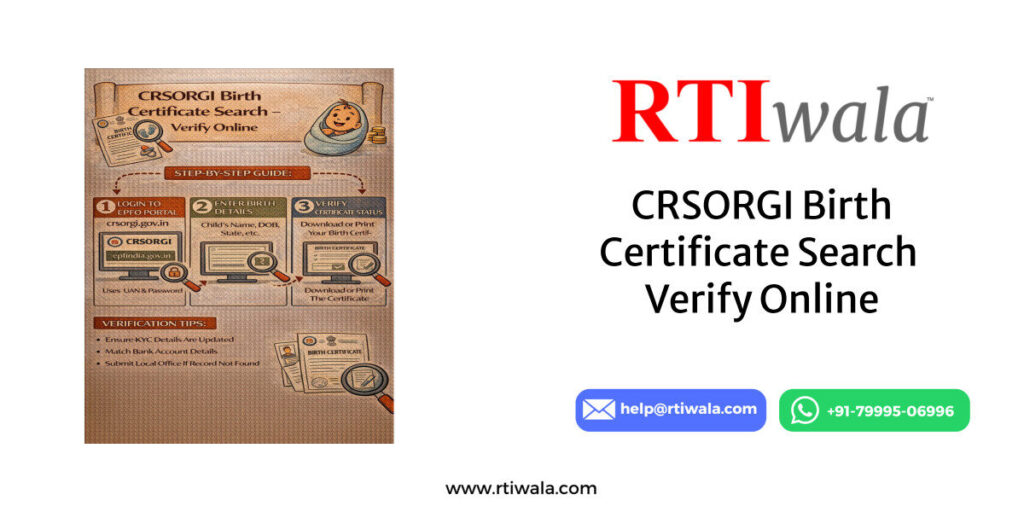
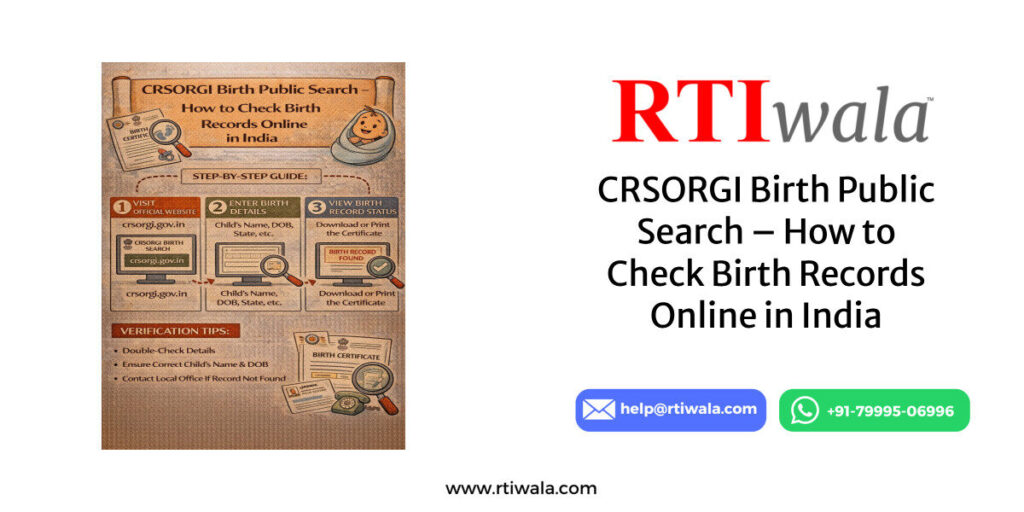
How to Search Birth Certificate Online on CRSORGI Portal (Step-by-Step)
Searching a birth certificate on the CRSORGI portal is straightforward if correct details are available.
Errors usually occur due to spelling mismatches or incomplete information.
Follow these steps carefully to avoid “record not found” issues.
Step 1: Open the Official CRSORGI Birth Search Page
Visit the official CRS Birth Public Search page provided by CRSORGI.
Make sure you are accessing a government domain to avoid fake portals.
Use a stable internet connection for uninterrupted access.
Step 2: Select “Birth” as the Record Type
On the public search page, choose Birth from the available options.
The portal also supports death searches, so selecting the correct category is important.
Wrong selection leads to zero results even if records exist.
Step 3: Enter State and District Carefully
Choose the state where the birth was registered.
Then select the district as per municipal or panchayat jurisdiction.
If the district selection is incorrect, the system cannot fetch records.
Step 4: Fill in Birth Details Exactly as Registered
Enter details exactly as recorded at the time of registration:
- Full name (avoid extra initials)
- Date of birth (DD/MM/YYYY)
- Gender
- Place of birth (hospital or locality)
Even small spelling differences can block results.
Step 5: Use Parent Details If Required
Some records require father’s or mother’s name for confirmation.
Enter names without titles like Shri, Smt, or Late.
Stick to simple alphabetic spelling.
Step 6: Submit and View Search Results
After entering all details, submit the search.
If a record exists, the portal will display:
- Registration number
- Date of registration
- Place of registration
- Matching birth details
This confirms that the birth record is officially available.
Step 7: Note Down Registration Information
CRSORGI does not issue certificates directly.
Always note the registration number and local authority details.
These details are required to obtain the actual birth certificate from the issuing office.
Key User Tip (Very Important)
If the search fails:
- Re-check spelling variations
- Try searching without surname
- Verify district vs municipal limits
- Use parent details instead of child name
Most failures happen due to data entry mismatch, not missing records.
Birth certificate not found or details incorrect? RTIwala uses RTI to trace official records and resolve verification issues fast—contact now.
📞 Call: +91-7999-50-6996
💬 WhatsApp: https://help.rti.link/
🌐 www.rtiwala.com
What Details Are Required to Verify Birth Certificate on CRSORGI
To successfully verify a birth record on the CRSORGI portal, accuracy of details is critical.
Most “record not found” issues occur because users enter information that does not exactly match government registration data.
CRSORGI pulls data directly from state and local registration databases.
If even one field is mismatched, the system may not display the record.
Mandatory Details Required for Verification
Users are typically required to enter the following details:
- State of registration
- District or local body where birth was registered
- Date of birth (exact format as registered)
- Gender of the person
These four fields are compulsory in almost all searches.
Name-Related Details (High Error Area)
Name entries are the most common cause of failed searches.
You may be required to enter:
- Child’s full name (as registered)
- Father’s name
- Mother’s name
Important points to remember:
- Do not use titles like Mr., Shri, Late, Kumari
- Avoid initials unless they were officially registered
- Do not add or remove surnames randomly
- Use the same spelling used at the time of registration
Even a single extra letter can block the result.
Place of Birth Details
Some records require the place of birth, such as:
- Hospital name
- Municipality name
- Village or ward
If the birth was registered through a hospital, the hospital name matters.
If registered later through a municipal office, locality details may differ.
Registration Year vs Birth Year
Many users mistakenly select the birth year instead of the registration year.
If the birth was registered late, both years may differ.
This mismatch can prevent records from appearing.
Practical Verification Tips
To improve success rate:
- Try searching without surname first
- Use parent names instead of child name
- Check spelling from school or Aadhaar records
- Reconfirm district boundaries at the time of birth
CRSORGI reflects registration data, not later document updates.
Birth Certificate Not Found on CRSORGI – Common Reasons & Solutions
Seeing “No Record Found” does not automatically mean the birth was never registered.
There are several practical reasons why records may not appear.
Understanding the cause helps determine the correct solution.
Reason 1: Birth Was Registered Before Digitization
Older birth records, especially before digital systems, may:
- Exist only in physical registers
- Not be uploaded to the central CRS database
- Be available only at local offices
Solution:
Contact the original registration authority (municipality, panchayat, hospital) with approximate birth details.
Reason 2: Late Registration or Delayed Entry
If the birth was registered months or years later:
- The registration year may differ
- The local body might have uploaded data incorrectly
Solution:
Search using registration year, not just birth year.
Use parent details instead of child name.
Reason 3: Spelling or Data Entry Errors
Common issues include:
- Misspelled names
- Incorrect gender entry
- Wrong district mapping
- Abbreviated hospital names
Solution:
- Try multiple spelling variations
- Remove surname or middle name
- Search using minimal required fields
CRSORGI does not support fuzzy matching.
Reason 4: Birth Registered in a Different Jurisdiction
Many users select the current district instead of the original registration district.
This is common when:
- District boundaries changed
- Municipality limits expanded
- Village merged into urban body
Solution:
Identify the administrative jurisdiction at the time of birth, not present day.
Reason 5: Data Not Yet Synced to Central Portal
Some local bodies delay uploading records to CRSORGI.
This leads to:
- Records available locally
- Missing records online
Solution:
Approach the local registrar and confirm whether the record is uploaded to CRS.
Birth certificate not found or details incorrect? RTIwala uses RTI to trace official records and resolve verification issues fast—contact now.
📞 Call: +91-7999-50-6996
💬 WhatsApp: https://help.rti.link/
🌐 www.rtiwala.com
What NOT to Assume When Record Is Missing
- It does not mean birth is invalid
- It does not cancel existing certificates
- It does not mean re-registration is required
CRSORGI is a search and verification layer, not the original source.
Practical Next Steps If Search Fails
If repeated searches fail:
- Collect any old birth proof
- Identify the original registration office
- Confirm registration number manually
- Request verification or correction at source
Online portals reflect backend data quality.
How to Download or Verify Birth Certificate After Successful Search
When a birth record appears successfully on the CRSORGI portal, it confirms that the birth is officially registered in government records.
However, many users misunderstand the next step and expect a direct download from CRSORGI.
It is important to clearly understand what CRSORGI does and does not provide.
What CRSORGI Actually Confirms
After a successful search, CRSORGI shows:
- Registration number
- Date of registration
- Place of registration
- Basic birth details (matched)
This data acts as official proof of existence, not a certificate.
Can You Download Birth Certificate Directly from CRSORGI?
No.
CRSORGI does not issue or download birth certificates.
It only verifies that the record exists in the Civil Registration System.
The actual certificate is issued by the local registration authority.
How to Use CRSORGI Search Result Correctly
Once the record is found:
- Note the registration number carefully
- Identify the issuing authority (municipality, panchayat, corporation)
- Confirm the registration year and office name
These details are mandatory for further action.
Ways to Obtain the Birth Certificate After Verification
Depending on the state, users can proceed in one of these ways:
- Visit the local municipal or registrar office
- Apply through the state birth certificate portal
- Request a certified copy using registration details
The CRSORGI record acts as supporting evidence, especially in delayed or disputed cases.
How CRSORGI Helps in Verification for Other Purposes
Even without a download, CRSORGI verification is useful for:
- Passport or visa document checks
- School or college admission verification
- Aadhaar or PAN discrepancy clarification
- Court or legal documentation support
Authorities accept CRSORGI confirmation as proof that records exist officially.
Important Practical Tip
Always cross-check spelling and dates shown on CRSORGI before proceeding.
Any mismatch should be corrected at the issuing office before certificate issuance.
What to Do If Online Birth Record Is Missing or Incorrect
Missing or incorrect records on CRSORGI are common and fixable, but only through the right process.
Attempting shortcuts often leads to delays or rejection.
Scenario 1: Record Exists Locally but Not Online
This usually happens when:
- Records are old
- Digitization was incomplete
- Data upload was skipped
What to do:
- Visit the original registration office
- Request confirmation from physical registers
- Ask whether the record is uploaded to CRS
If not uploaded, only the registrar can update it.
Scenario 2: Record Is Found but Details Are Incorrect
Common errors include:
- Name spelling mistakes
- Wrong gender
- Incorrect date of birth
- Place mismatch
What to do:
- Do not rely on online correction options
- Collect supporting documents (school, hospital, affidavit)
- Apply for correction at the local registrar office
CRSORGI itself does not allow corrections.
Scenario 3: No Record Found Anywhere
If both online and local search fail:
- Birth may never have been registered
- Registration may have been rejected earlier
What to do:
- Apply for delayed birth registration as per state rules
- Provide affidavits and supporting proof
- Follow registrar instructions strictly
This is a legal process and cannot be bypassed.
Scenario 4: Jurisdiction Confusion
Many records are lost due to:
- District reorganization
- Panchayat to municipality conversion
- Hospital jurisdiction change
What to do:
- Identify jurisdiction as on date of birth
- Do not rely on present-day addresses
- Confirm historical boundaries
This step alone resolves many “missing record” cases.
What You Should Never Do
- Do not apply for re-registration without confirmation
- Do not submit incorrect affidavits
- Do not depend on agents promising instant fixes
Birth records are legal documents—errors can cause long-term issues.
Birth certificate not found or details incorrect? RTIwala uses RTI to trace official records and resolve verification issues fast—contact now.
📞 Call: +91-7999-50-6996
💬 WhatsApp: https://help.rti.link/
🌐 www.rtiwala.com
Practical Checklist for Missing or Incorrect Records
Before taking action, ensure:
- Original place of registration is identified
- Registration year is verified
- Spelling matches earliest documents
- Supporting proof is arranged
A structured approach avoids repeated rejections.
FAQs – CRSORGI Birth Certificate Public Search
1. What is the CRSORGI Birth Certificate Public Search portal?
The CRSORGI Birth Public Search is an official government portal managed by the Office of the Registrar General & Census Commissioner, India that allows citizens to verify whether a birth record is registered in the Civil Registration System (CRS) database.
2. Can I download my birth certificate directly from the CRSORGI portal?
No. CRSORGI does not provide a download option. It only confirms the existence of a birth record. The actual birth certificate must be obtained from the local municipal, panchayat, or registrar office where the birth was registered.
3. Why does CRSORGI show “No Record Found” even if my birth is registered?
This usually happens due to spelling mismatches, wrong district selection, old non-digitized records, late registration, or jurisdiction changes. It does not always mean the birth was never registered.
4. What details are required to search a birth certificate on CRSORGI?
You generally need the state, district, date of birth, gender, and either the child’s name or parent’s name. All details must match exactly with the original registration data.
5. Are old birth records available on the CRSORGI portal?
Many older birth records are not available online because they were registered before digitization. Such records may still exist in physical registers at local registrar offices but may not appear on CRSORGI.
6. What should I do if my birth record is found but details are incorrect?
CRSORGI does not allow corrections. Any error in name, date, gender, or place must be corrected by applying to the original birth registration authority with valid supporting documents.
7. Is CRSORGI birth certificate search valid for passport or Aadhaar verification?
Yes. While CRSORGI does not issue certificates, verification results are often accepted by authorities as proof that the birth record exists officially, supporting passport, Aadhaar, and education-related verification.