


































Who Is Eligible to Apply EPF Withdrawal Online in India
EPF withdrawal online is allowed only when specific eligibility conditions are met as per rules of the Employees’ Provident Fund Organisation (EPFO). Understanding eligibility is critical because even a small mismatch can lead to rejection or long delays.
An EPF member can apply for online withdrawal only if the UAN (Universal Account Number) is active and linked correctly with Aadhaar, PAN, and bank details. Without this linkage, the online option will not work, regardless of employment status.
You are eligible to apply EPF withdrawal online if:
- UAN is activated on the EPFO portal
- Aadhaar is linked and verified with UAN
- PAN is linked (mandatory if withdrawal exceeds ₹50,000)
- Bank account is linked and approved by employer
- Personal details match exactly across all records
Employment status also plays a major role in eligibility. Online EPF withdrawal is generally permitted after leaving employment, but partial withdrawals are allowed during service for specific reasons.
Employment-based eligibility conditions:
- Unemployed for 2 months → Full PF withdrawal allowed
- Unemployed for 1 month → Partial withdrawal (employee share only)
- Currently employed → Partial withdrawal for defined purposes
Partial withdrawal is allowed for:
- Medical emergencies
- Home purchase or construction
- Home loan repayment
- Marriage (self, sibling, or children)
- Education of children
- Pre-retirement after age 54
Eligibility also depends on service duration. For example, house-related withdrawals usually require at least 5 years of service, while marriage or education requires 7 years of contribution.
Important eligibility cautions:
- Name, DOB, or father’s name mismatch makes you ineligible online
- Employer KYC approval is mandatory
- Multiple PF accounts not merged can block claims
If these eligibility conditions are not met, the EPFO portal may show options but the claim will either fail silently or get rejected during processing.
EPF withdrawal delayed, rejected, or amount not credited? RTIwala finds the exact cause and fixes it fast through official action—contact now.
📞 Call: +91-7999-50-6996
💬 WhatsApp: https://help.rti.link/
🌐 www.rtiwala.com
Documents and Details Required Before Applying EPF Withdrawal Online
Having all documents ready before applying EPF withdrawal online is crucial. Most rejections happen due to incorrect or incomplete KYC data rather than eligibility issues.
The EPFO system automatically validates documents with government databases. Even a minor spelling difference can cause verification failure, leading to rejection or indefinite delay.
Mandatory details required for EPF withdrawal online:
- Active UAN
- Aadhaar number linked with UAN
- Bank account number and IFSC code
- PAN (mandatory for higher withdrawals)
- Correct date of exit updated by employer
Your Aadhaar must be linked and authenticated. EPFO uses Aadhaar OTP-based verification to validate the claim. Without Aadhaar authentication, online withdrawal is not possible.
Aadhaar-related requirements:
- Name on Aadhaar must match EPFO records
- Mobile number linked with Aadhaar must be active
- Aadhaar should be verified (not pending)
Bank details are another common failure point. The EPF amount is credited only to the bank account linked with UAN, not to any other account.
Bank details checklist:
- Account should be active and in your name
- IFSC code must be correct
- Joint accounts may cause rejection
- Employer approval of bank details is mandatory
PAN is required if the withdrawal amount exceeds ₹50,000 and service is less than 5 years. Without PAN, tax deduction increases and claims may get flagged.
PAN-related rules:
- PAN must be linked and verified
- Name on PAN should match EPFO records
- Missing PAN leads to higher TDS
Another critical requirement is the date of exit, which must be updated by the employer. Without this, the system will not allow final settlement claims.
Exit date requirements:
- Employer must update last working day
- Reason for exit should be correctly selected
- Exit date should not overlap with current employment
Common document-related mistakes to avoid:
- Mismatch in name spelling across documents
- Old or closed bank accounts
- Inactive Aadhaar-linked mobile number
- Unapproved KYC by employer
Preparing these documents in advance ensures a smooth EPF withdrawal process and prevents unnecessary delays or rejections
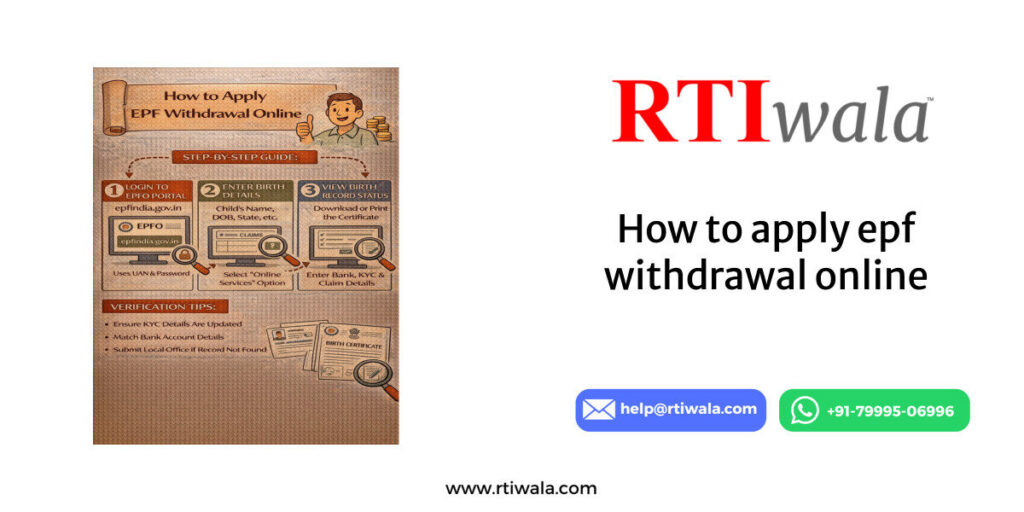
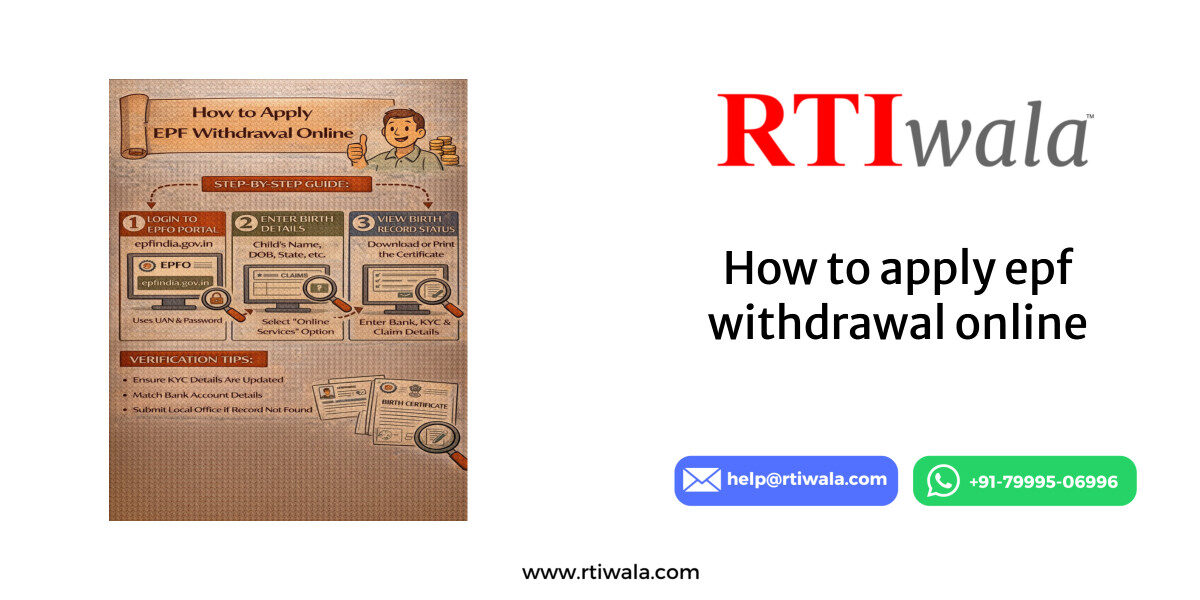
Step-by-Step Process to Apply EPF Withdrawal Online Through EPFO Portal
Applying for EPF withdrawal online is a structured process, but even a small mistake can delay the claim. The online facility is provided by the Employees’ Provident Fund Organisation (EPFO) to reduce paperwork and speed up settlements.
Before starting, ensure all KYC details are approved. The EPFO portal does not allow submission if Aadhaar, PAN, or bank details are pending verification.
Step 1: Login to EPFO Member Portal
Visit the official EPFO member portal and log in using the UAN and password. An OTP will be sent to the Aadhaar-linked mobile number for authentication.
Important checks at login stage:
- UAN must be active
- Mobile number linked with Aadhaar should be accessible
- Incorrect OTP attempts may temporarily block login
Step 2: Verify KYC and Service Details
After login, check KYC status under the “Manage” section. All entries should show “Approved” by the employer.
Verify the following carefully:
- Name spelling (as per Aadhaar)
- Bank account number and IFSC
- PAN verification status
- Service history and exit date
If any detail is incorrect, do not proceed with the claim. Correction after submission is not possible.
Step 3: Go to ‘Online Services’ → ‘Claim (Form-31, 19, 10C)’
Click on the claim option. The system will auto-fetch personal and employment details.
At this stage, the portal checks eligibility based on:
- Employment status
- Date of exit
- Service duration
- KYC completeness
If the claim option is not visible, it usually means eligibility conditions are not fulfilled.
Step 4: Verify Bank Account Using OTP
Enter the bank account number linked with UAN and request OTP verification. This step confirms the payout account.
Key points to note:
- Only one verified bank account is allowed
- Account must be in the member’s name
- Any mismatch results in instant failure
Step 5: Select Claim Type
Choose the appropriate claim form based on requirement:
- Form 19 – Final PF settlement
- Form 10C – Pension withdrawal
- Form 31 – Partial withdrawal
Select the reason carefully, especially for partial withdrawals, as each option has service-year conditions.
Step 6: Submit Claim After Aadhaar OTP
Authenticate the claim using Aadhaar OTP. Once submitted, a claim reference number is generated.
After submission:
- Claim goes for automated and employer validation
- Status changes from “Submitted” to “Under Process”
- Amount is processed based on EPFO timelines
Submitting multiple claims for the same period can lead to rejection, so wait for the final outcome.
EPF withdrawal delayed, rejected, or amount not credited? RTIwala finds the exact cause and fixes it fast through official action—contact now.
📞 Call: +91-7999-50-6996
💬 WhatsApp: https://help.rti.link/
🌐 www.rtiwala.com
Common Errors While Applying EPF Withdrawal Online and How to Avoid Them
Most EPF withdrawal rejections happen due to avoidable errors. These errors are not always clearly explained by EPFO, leaving applicants confused.
Error 1: Name or DOB Mismatch
Mismatch between Aadhaar, PAN, and EPFO records is the most common reason for failure.
How to avoid:
- Ensure name format matches Aadhaar exactly
- Check initials, spacing, and spelling
- Correct details before submitting claim
Error 2: Exit Date Not Updated or Incorrect
If the employer has not updated the date of exit, final settlement claims will not process.
How to avoid:
- Confirm exit date is updated in service history
- Ensure exit reason is correctly selected
- Follow up with employer before applying
Error 3: Bank Account Issues
Wrong IFSC, closed accounts, or joint accounts can block credit even after approval.
How to avoid:
- Use an active single-holder bank account
- Re-check IFSC and account number
- Wait for employer approval of bank details
Error 4: PAN Not Linked for High-Value Claims
Claims above ₹50,000 without PAN attract high TDS or get flagged.
How to avoid:
- Link and verify PAN before claim
- Ensure PAN name matches EPFO records
- Avoid last-minute PAN updates
Error 5: Claim Rejected Without Clear Reason
Sometimes claims are rejected with generic remarks like “Member data mismatch.”
How to avoid:
- Re-check all KYC approvals
- Avoid multiple submissions
- Track claim remarks carefully
Error 6: Partial Withdrawal Reason Misuse
Selecting the wrong purpose for Form 31 leads to rejection.
How to avoid:
- Check service-year eligibility
- Select correct withdrawal purpose
- Avoid assumptions about eligibility
Understanding these steps and errors significantly reduces the risk of rejection and ensures faster EPF withdrawal processing.
How to Check EPF Withdrawal Claim Status After Applying Online
Once an EPF withdrawal claim is submitted online, tracking the status correctly is essential. Many applicants panic unnecessarily because they misinterpret status messages shown on the Employees’ Provident Fund Organisation (EPFO) portal.
The claim status reflects the internal processing stage and does not always mean approval or rejection immediately. Each status has a specific meaning that determines the next action.
Step-by-Step Process to Check EPF Claim Status
Log in to the EPFO member portal using UAN and password. Navigate to Online Services → Track Claim Status. No OTP is required for this step.
What you should verify on the status page:
- Claim type submitted (Form 19 / 10C / 31)
- Date of submission
- Current processing stage
- Office handling the claim
Common EPF Claim Status Meanings Explained
Understanding the exact meaning of each status avoids confusion and repeated follow-ups.
Key status messages and their meaning:
- Claim Submitted → Application received successfully
- Under Process → Claim under scrutiny by EPFO
- Settled → Amount approved and sent to bank
- Rejected → Claim denied due to discrepancy
- Payment Sent → Bank transfer initiated
“Settled” does not always mean money is credited instantly. It only confirms approval from EPFO.
How Long Each Status Usually Takes
Timelines vary depending on EPFO office workload and accuracy of details.
Average processing timeline:
- Under Process → 7–15 working days
- Settled → Payment initiated within 1–3 days
- Bank credit → 1–5 working days after settlement
If the status remains unchanged beyond 20 days, it indicates an internal delay or document verification issue.
Checking Bank Credit Status Separately
After settlement, always check the bank account linked with UAN. EPFO does not send SMS confirmations consistently.
Important bank checks:
- Verify credit in linked bank account only
- Check account statement, not just SMS
- Allow weekends and bank holidays
If payment fails due to bank issues, the amount may return to EPFO, causing further delay.
EPF withdrawal delayed, rejected, or amount not credited? RTIwala finds the exact cause and fixes it fast through official action—contact now.
📞 Call: +91-7999-50-6996
💬 WhatsApp: https://help.rti.link/
🌐 www.rtiwala.com
What to Do If EPF Withdrawal Is Delayed, Rejected, or Amount Not Credited
Delays or rejections in EPF withdrawal are common, but ignoring them can lead to months of waiting. The solution depends on the exact problem stage.
Situation 1: Claim Stuck Under Process for Many Days
If the claim shows “Under Process” for more than 20 days, it usually means internal verification is pending.
Immediate actions to take:
- Re-check KYC approval status
- Verify exit date and service details
- Avoid filing duplicate claims
Repeated submissions reset timelines and often worsen delays.
Situation 2: Claim Settled but Amount Not Credited
This is one of the most confusing scenarios for EPF members. Settlement means approval, not successful credit.
Possible reasons for non-credit:
- Incorrect IFSC or bank account issue
- Inactive or closed bank account
- Bank-side processing delay
What to do next:
- Wait 3–5 working days after settlement
- Check bank statement thoroughly
- Monitor for return or re-credit status
If the amount is returned to EPFO, the status may not update automatically.
Situation 3: Claim Rejected
Rejection usually comes with a short remark, but the explanation is often unclear.
Common rejection reasons:
- Name or DOB mismatch
- Exit date not updated
- PAN or Aadhaar verification failure
- Incorrect partial withdrawal reason
Correct approach after rejection:
- Identify exact mismatch from remarks
- Correct details first
- Submit a fresh claim only after correction
Reapplying without fixing errors leads to repeated rejection.
Situation 4: No Update Even After Multiple Follow-Ups
If the portal shows no progress and support channels are unresponsive, escalation becomes necessary.
Escalation options available:
- Raise grievance on EPFO grievance portal
- File a written follow-up request
- Seek official clarification through RTI
Escalation should be structured and supported with claim reference numbers.
When RTI Becomes Necessary
In cases of unexplained delay, silent rejection, or missing payment confirmation, RTI helps uncover the real reason.
RTI can help obtain:
- File movement status
- Officer handling the claim
- Reason for delay or non-payment
- Proof of payment initiation
This forces accountability and speeds up resolution in stuck cases.
FAQs – EPF Withdrawal Online in India
1. Why is my EPF withdrawal claim rejected even though all documents are uploaded?
EPF claims are often rejected due to data mismatch between Aadhaar, PAN, bank details, and EPFO records. Even minor spelling or DOB differences can trigger rejection despite documents being uploaded.
2. How long does EPF withdrawal take after claim status shows “Settled”?
After “Settled” status, EPF amount is usually credited within 1–5 working days. Bank holidays, incorrect IFSC, or inactive accounts can cause additional delay.
3. Can I apply EPF withdrawal online while still working in a company?
Yes, partial EPF withdrawal is allowed during employment for specific reasons like medical emergencies, education, marriage, or house-related purposes, subject to service-year conditions.
4. Why is EPF withdrawal option not showing on the EPFO portal?
The withdrawal option may not appear if UAN is inactive, KYC is not approved, Aadhaar is not linked, or the employer has not updated the date of exit.
5. What should I do if EPF claim is settled but amount not credited to bank?
First wait 3–5 working days, then verify bank details linked with UAN. If the amount is still not credited, the payment may have failed or returned to EPFO and needs escalation.
6. Is PAN mandatory for EPF withdrawal online?
PAN is mandatory if the withdrawal amount exceeds ₹50,000 and total service is less than 5 years. Without PAN, higher TDS applies and claims may face additional scrutiny.
7. How many times can I apply for EPF withdrawal if my claim gets rejected?
There is no fixed limit, but reapplying without correcting the rejection reason leads to repeated failure. Always fix the exact issue before submitting a fresh claim.